Login that stays put
Sign in once with your agn888 login and the session holds until you log out. No retyping a username every time you unlock the phone.
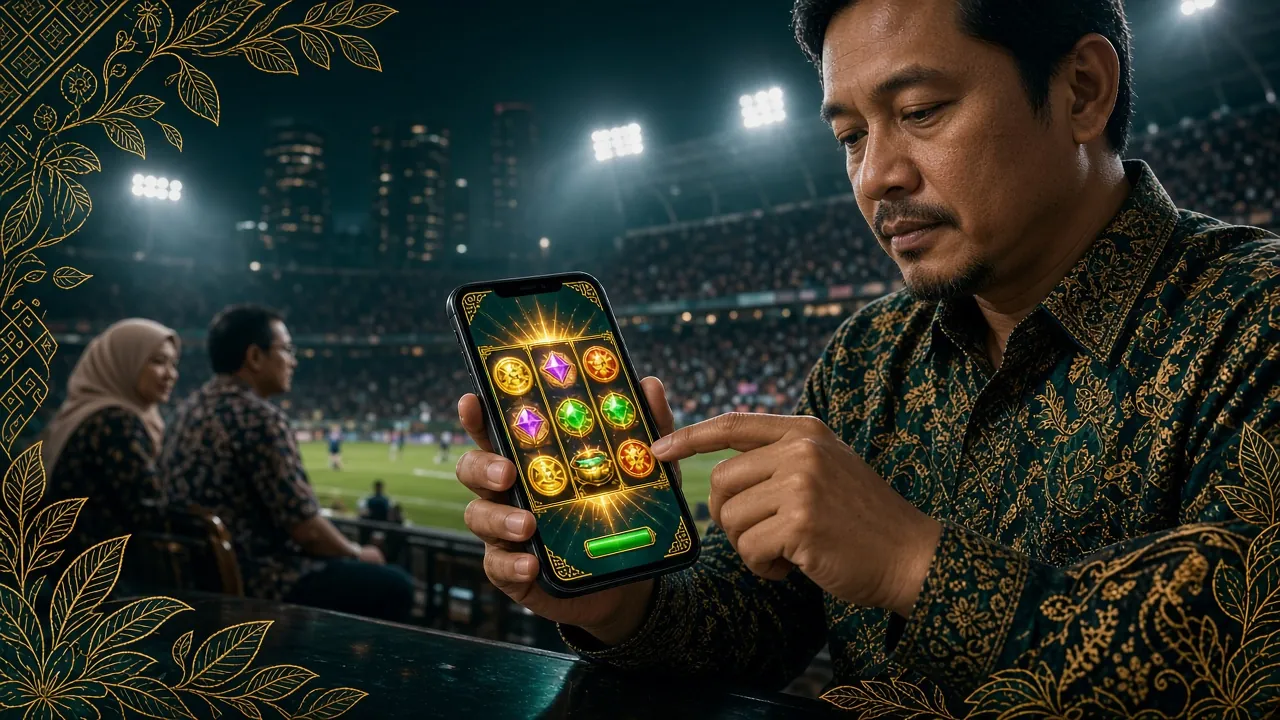
Version 2.0.13, a 36 MB install file, and Android 8.0 as the floor. Download the package below, allow the install once, and sign in with the same agn888 account you already use on the site.
18+ · Play Responsibly. The file is served from agn888.im, not from a mirror site.
Scan with your phone camera to open this page on the handset you will install on. It points to the same file on agn888.im.
Check the numbers below against the file you saved. If the size or version is different, you are holding a repacked copy and should delete it before opening.
| Field | Detail |
|---|---|
| App version | 2.0.13 |
| File name | agn888.apk |
| File size | 36 MB |
| Minimum Android | 8.0 |
| Last updated | 11 November 2026 |
| Price | Free |
| Languages | English / Bahasa Melayu |
| iPhone and iPad | No APK; use Safari and add the site to your home screen (steps further down) |
The download runs over mobile data or Wi-Fi and saves straight to your Downloads folder. Keep the browser tab open until the progress bar clears, then open the file. If your phone warns that the file could not be scanned, that message appears for every sideloaded package, not just this one; the install still completes.
Sign in once with your agn888 login and the session holds until you log out. No retyping a username every time you unlock the phone.
Top up with Touch ’n Go eWallet, DuitNow, FPX Online Banking or a bank transfer. Deposits typically land inside 1 minute, so a session can start while the kettle boils.
Slots, live dealer tables, arcade fishing, lottery-style games and sports markets from CQ9, PG Soft, JILI, Ezugi, FA Chai, KA Gaming and Sexy Gaming.
Request a withdrawal in the app and the team typically clears it in 9 minutes. Minimum withdrawal is RM100, and the daily cap sits at RM12,500.
A 36 MB install keeps storage free on a phone you also use for photos. Game graphics stream in as you open a title instead of loading up front.
Set an app PIN in settings and the wallet stays shut even if someone else picks up an unlocked phone. Logging out still ends the session everywhere.
The lobby splits into slots, live casino, fishing, lottery and sports. Bet sizes in the app match the website, so nothing changes in your staking plan when you move between screens. A sample of what is loaded:
| Game | Provider | RTP | Min bet (RM) | Max bet (RM) |
|---|---|---|---|---|
| Double Fortune | CQ9 | 96.6% | 0.50 | 500 |
| Lucky Gods Fishing | FA Chai | 95.9% | 0.50 | 1,000 |
| Monster Triple | PG Soft | 97.8% | 2 | 100 |
| Mahjong Ways 2 | KA Gaming | 97.2% | 0.50 | 2,500 |
| Cannon Fishing | Ezugi | 96.8% | 1 | 500 |
Android blocks installs from outside the Play Store until you allow them, which is why step one exists. The permission is per-app: only the browser you download with gets it, and you can switch it back off afterwards.
Open Settings, then Apps, then Special access, then Install unknown apps. Pick your browser and switch the permission on.
Tap Download APK on this page. agn888.apk is 36 MB and lands in Downloads. Let the progress bar finish before you leave the tab.
Tap the download notification, or open Downloads and select agn888.apk. Android shows the permission summary first; read it, then continue.
Confirm with the Install button. Play Protect may ask about an unknown developer once; choose Install anyway. Do not close the installer midway.
Open the app and sign in with your agn888 login. New here? Register first, then set an app PIN in settings.
There is no APK for iOS, and nothing to install from an app store. Safari can pin the mobile build to your home screen, and it then opens full screen like any other app.
Deposits, withdrawals and the 3,700-title lobby all work in that shortcut. You will need to sign in again after a Safari data clear, which the Android build avoids.
Storage, so game assets can be saved and reopened quickly; network access for the lobby; and notification permission only if you switch alerts on. It does not request your contacts, SMS or call log, and you can refuse notifications without losing any feature.
The signed file on agn888.im matches the version and size printed in the table above. Copies passed around in chat groups can be repacked. If your file is not 36 MB or not version 2.0.13, delete it rather than opening it.
Play Protect flags any app installed outside the Play Store. That notice is not a virus report. You can still scan the APK with a mobile security app before opening it, and the install will proceed if the scan comes back clean.
Staff never ask for a password, an OTP or a PIN through live chat, WhatsApp or a phone call. Use the in-app PIN, keep the device lock on, and log out before handing the phone to someone else.
| What you compare | agn888 app (APK) | Mobile browser |
|---|---|---|
| Getting started | One 36 MB install, then the icon stays on your screen | Type the address, no install at all |
| Staying logged in | Session holds until you log out | Signs out after a cookie or data clear |
| Game loading | Assets cached on the phone open faster on repeat visits | Reloads each time on a fresh tab |
| Deposits | Touch ’n Go, DuitNow, FPX or bank transfer, inside the app | Same four methods inside the site |
| Withdrawals | Typically 9 minutes from the wallet screen | Typically 9 minutes from the cashier page |
| Storage used | 36 MB for the package plus cached assets | Nothing beyond normal browser cache |
| Older phones | Needs Android 8.0 or newer | Works on any phone with a modern browser |
| Best for | Regular play on one handset | Borrowed devices and quick checks |
Both routes reach the same wallet, the same bonuses and the same casino lobby. You can start a session in the app and finish it in a browser without moving funds around.
Most failed installs come down to three things: a half-finished download, the unknown-sources permission applied to the wrong app, or an Android build below 8.0. Work through the table before deleting anything.
| What you see | Likely cause | What to do |
|---|---|---|
| “App not installed” | The file stopped downloading partway, or an older build with the same signature is already on the phone. | Delete the file, download again from this page and confirm it reads 36 MB. If the old build is still listed, uninstall it first, then install the fresh package. |
| Install button greyed out | The unknown-apps permission was granted to a different app than the one doing the download. | Repeat step one and pick the exact browser you are using. On some phones the setting sits under Apps, then Special access, then Install unknown apps. |
| App opens then closes | Android is older than 8.0, or free storage is lower than the cached assets need. | Check the Android version in Settings, then About phone. Below 8.0, use the mobile site instead. Otherwise clear a few hundred MB of photos and reopen. |
| Login rejected after install | Wrong username or password, or the account was registered on a different phone number. | Reset from the login guide. If the account does not exist yet, register and try again. |
| Download will not start | Data saver blocking large files, or the phone storage is full. | Switch data saver off or move to Wi-Fi, free at least 100 MB, and reload this page. Android’s own download manager shows the queue if nothing appears. |
Yes, provided you take the file from this page. It is a signed package served from agn888.im, and the version and size match the table above. Android will warn you about installing outside the Play Store, which is normal for any sideloaded app. Downloading from a chat group or a random mirror is where the risk actually sits.
No. Install the new package straight over the old one and your login, PIN and preferences carry across. Only uninstall first if the installer complains about a signature clash, which usually means the phone is holding a copy from somewhere other than agn888.im. In that case, remove the old build and start clean.
Google assumes anything not distributed through the Play Store could be modified, so it asks once per installing app. The toggle you switch on only covers the browser you download with. You can turn it back off after the install finishes, and the app keeps working normally with the permission disabled.
Not as an APK, because iOS does not install Android packages. Instead open agn888.im in Safari, tap Share, then Add to Home Screen. The shortcut opens full screen and keeps your session, with the same wallet, deposits and 3,700-title lobby. You will need to sign in again if you clear Safari website data.
The download itself is 36 MB, which is a one-off. After that, the app streams game graphics as you open a title rather than pulling the whole lobby at once, so a normal session stays light. Playing on Wi-Fi is still the better habit if your data plan is tight near the end of the month.
It will, because the app and the website share one account and one wallet. A welcome bonus with 22× turnover keeps the same progress wherever you open the lobby. Just remember that wagering only counts on eligible titles, so check the terms for the game list before switching screens mid-way through a bonus.
Come back to this page, check the version number against the one on your phone, and if it is newer, download and install over the top. There is no auto-update prompt for sideloaded packages. The date field in the file table tells you when the current build last changed, so a quick look here is enough.
Download the APK, allow the install once, and your agn888 account is on the home screen. 18+ · Play Responsibly.